How to Start a Chat with an Agent
There are several ways to start using an agent:
Method 1: Use @ Mention in Chat
The quickest way to bring an agent into your conversation:
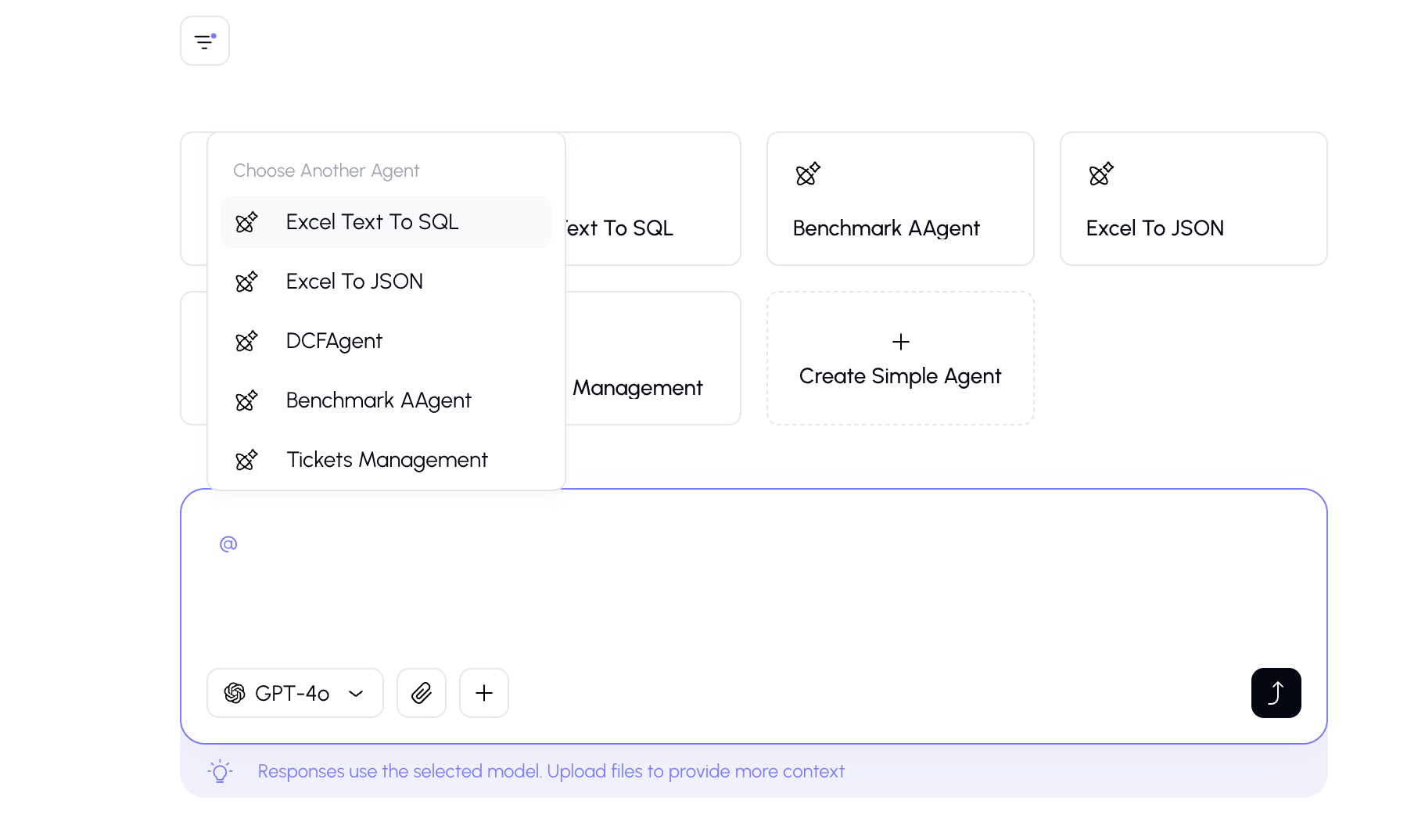
In the chat input bar, type the @ symbol and a dropdown will appear showing all available agents.
Method 2: Select from the Home Screen
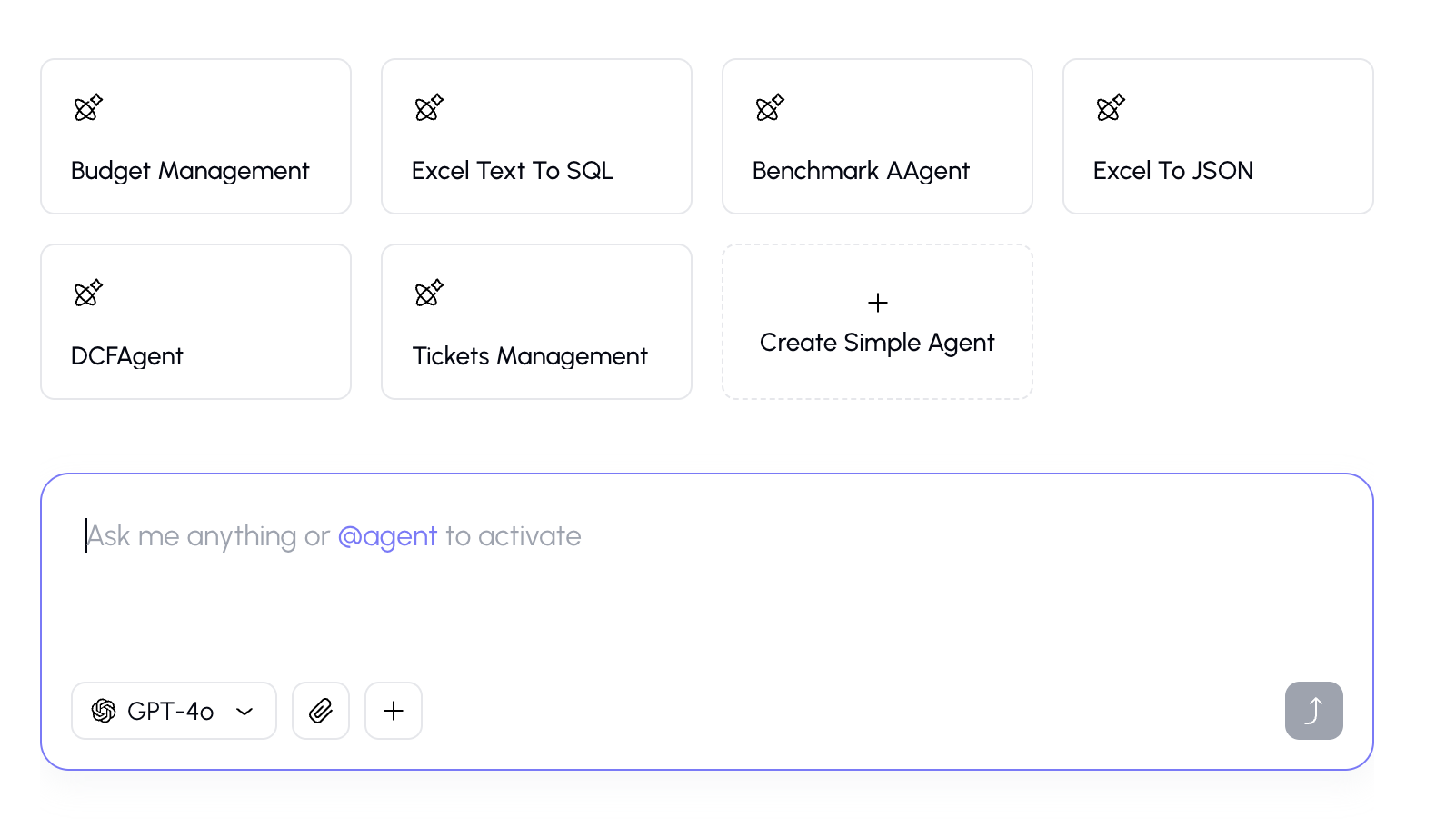
On the home screen, you may see featured agents displayed as cards: Click on an agent card to start a conversation with that agent.
Method 3: From the Agents Page
Go to Agents from the sidebar, browse or search for the agent you want and click on the agent to start a conversation.
Method 4: From the Activity Panel
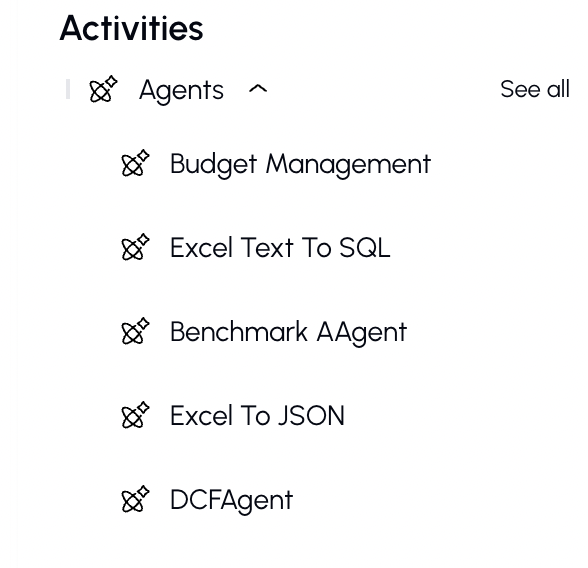
- Open the Activity panel in the sidebar.
- Under "Recent Agents," click on an agent you've recently used.
The Agent Chat Experience
When chatting with an agent, the experience is slightly different from a regular chat:
Agent Info Banner
At the top of the conversation, you'll see the agent's information:
- Agent name and avatar
- A brief description of what the agent does
Model is Pre-Selected
The AI model is chosen by the agent's creator, so the model selector is hidden. This ensures the agent uses the model best suited for its purpose.
Switching Agents Mid-Conversation
You can switch to a different agent in the middle of a conversation by:
- Typing
@followed by a new agent's name. - Selecting the new agent.
- A visual separator will appear in the conversation showing where the agent switch happened.
Filtering Agents
When using the @ mention dropdown, you can:
- Search by name — type after
@to filter agents by their name - Browse all — just type
@and scroll through the full list
Favoriting an Agent
If you find an agent you use frequently:
- Click the star/heart icon on the agent card or in the agent info.
- The agent will be added to your favorites.
- Favorited agents appear prominently on the home screen and in the agents page.
Tips
- You can have multiple conversations with the same agent — each one is independent.
- Agents created by your team are shared and visible to you in the "Shared with Me" section.
- You can create your own agents to automate your specific workflows.