Sources
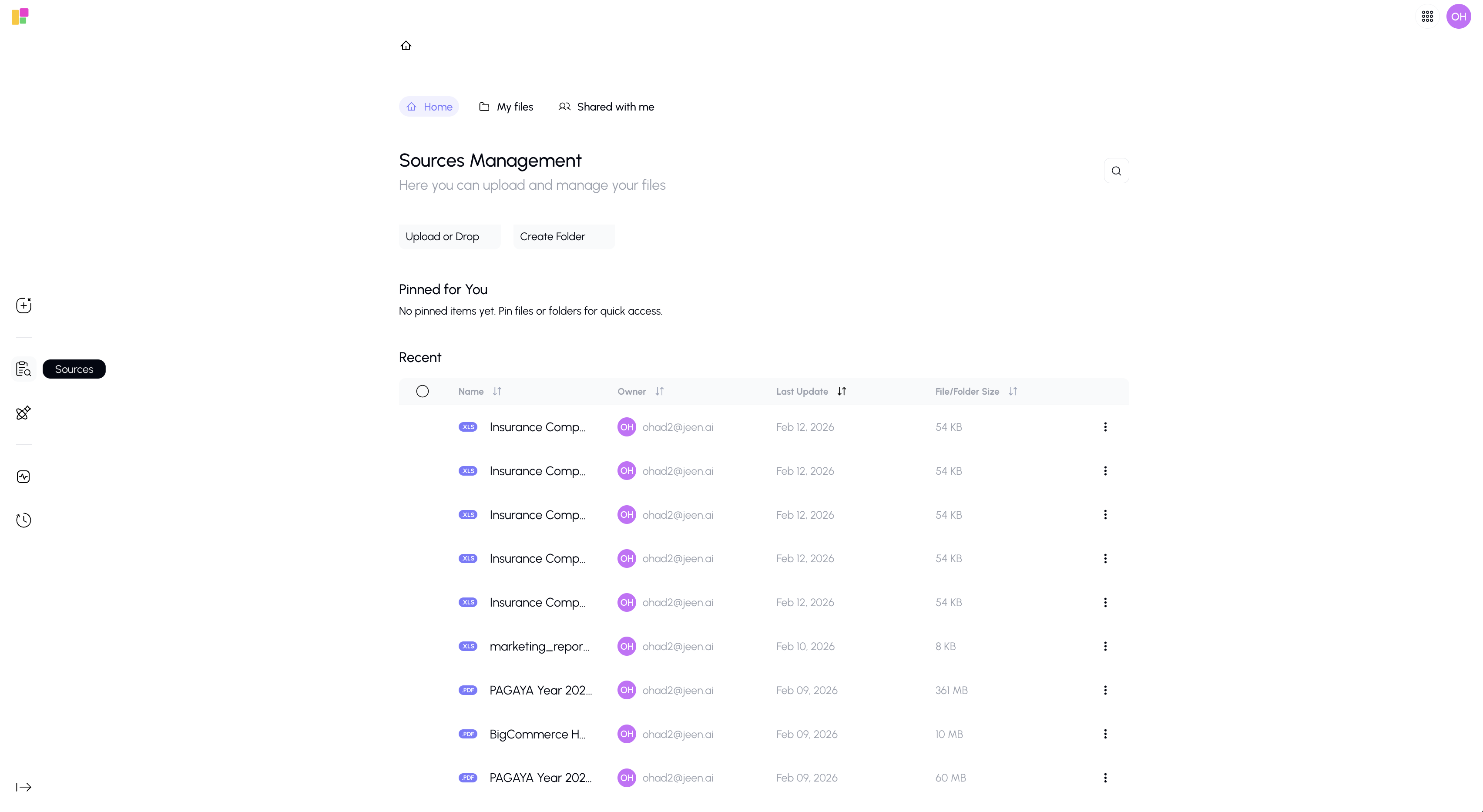
The Sources button in the sidebar takes you to the Sources section — your central hub for managing all documents and files on the platform.
What It Does
Clicking the Sources icon in the sidebar navigates you to the full Sources page, where you can:
- Browse and manage all your uploaded files
- Create and organize folders
- View files shared with you by others
- Pin important documents for quick access
- Search and sort through your document library
- Upload new files from your device or from SharePoint
- Share files with team members
Quick Overview of the Sources Page
The Sources page has three main views, accessible from tabs at the top:
| View | What You'll Find |
|---|---|
| Home | Your pinned items, recently accessed files, and quick actions |
| My Files | All files and folders you've uploaded or created |
| Shared with Me | Files and folders that others have shared with you |
For complete details on everything you can do in Sources, see the Knowledge Overview.