Header
The global header gives you quick access to core platform features from anywhere in the application.
App Switcher
The App Switcher appears as a grid icon and provides quick navigation to major areas:
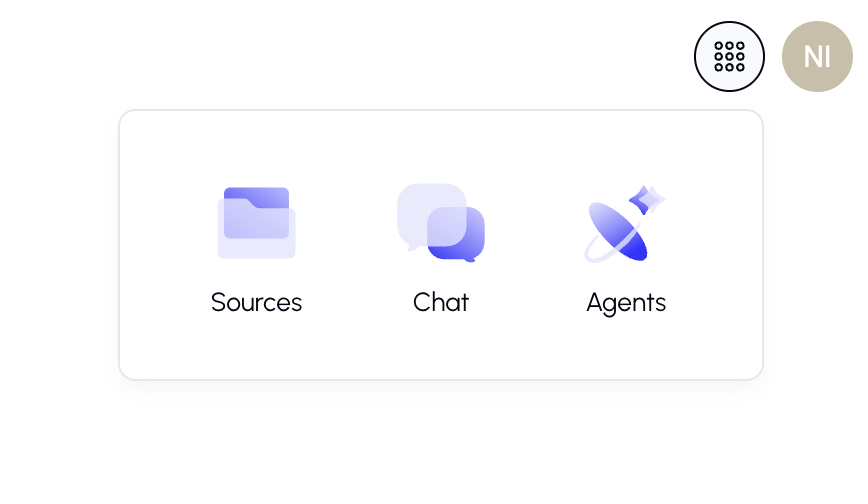
Available Apps
| App | Description |
|---|---|
| Chat | Opens the main chat interface |
| Sources (Knowledge) | Manage your files and documents |
| Agents | Browse, create, and manage AI agents |
My Profile
Your profile menu is located in the top-right corner. It appears as a circular avatar with your initials or profile picture.
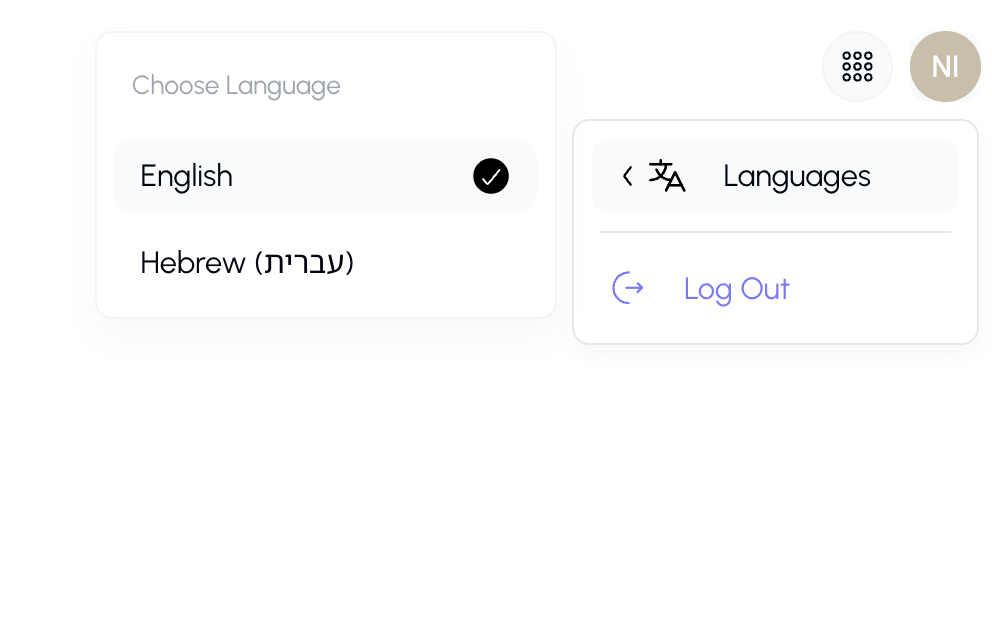
Language Settings
The platform supports multiple languages, including English and Hebrew (with full right-to-left support).
To change your language:
- Click your avatar in the top-right corner.
- Hover over or click Languages in the dropdown menu.
- Select your preferred language.
- The entire platform will immediately switch to your selected language.