Workflow Agent
Workflow is the visual workflow builder for creating advanced, multi-step agents. It provides a drag-and-drop flow editor where you can design complex AI workflows by connecting different components together.
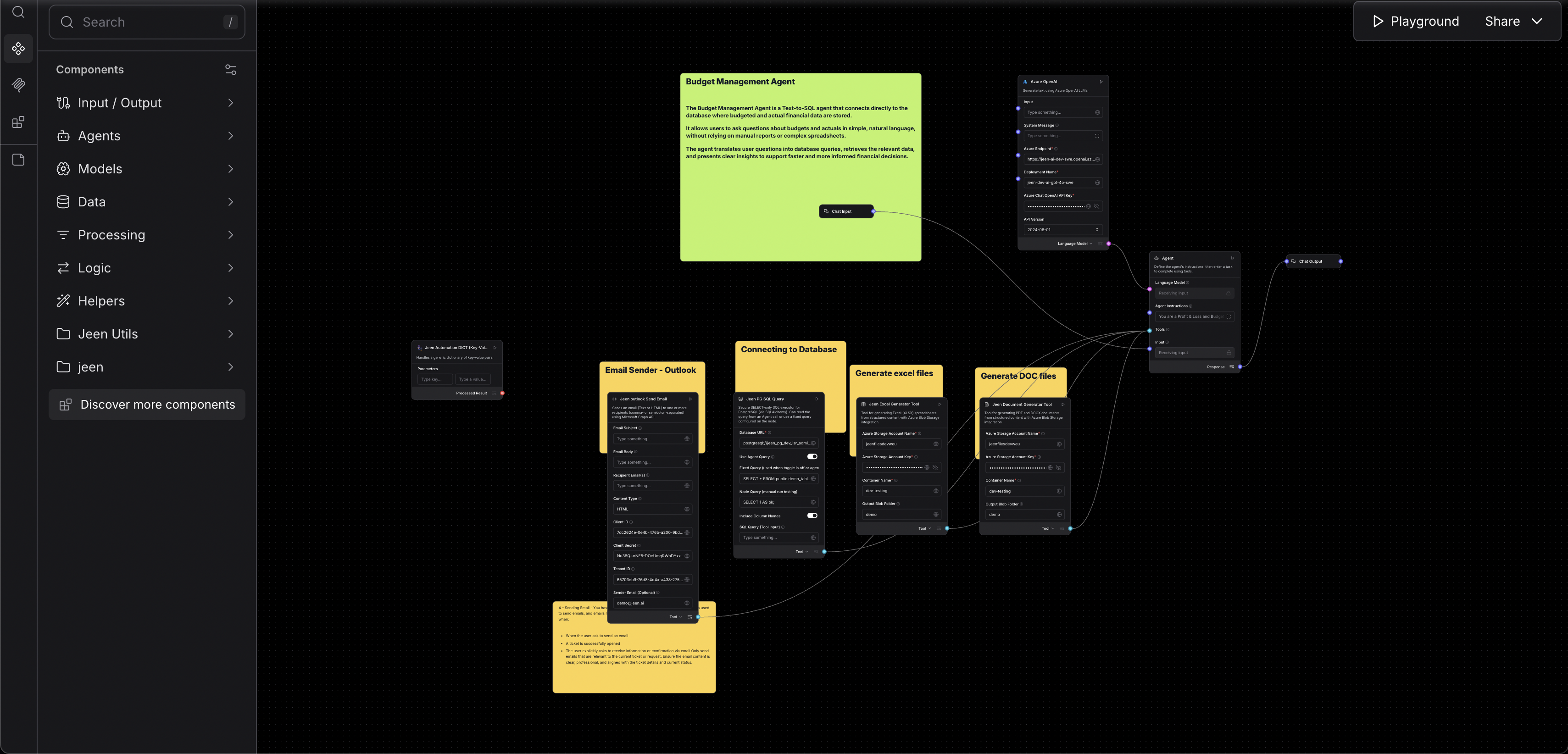
What Is Workflow Agent?
While Gunnies and Cortex create agents through conversation or forms, Workflow Agent takes a different approach — it lets you build agents as visual workflows. You create a flow by:
- Adding nodes — each representing a step, action, or decision
- Connecting nodes — defining the order and flow of operations
- Configuring each node — setting parameters and behaviors
This is ideal for complex use cases that involve multiple steps, branching logic, API calls, or data transformations.
When to Use Workflow Agent:
Workflow Agent is best for:
- Multi-step processes — workflows that need to perform several actions in sequence
- Complex logic — agents that need branching, conditions, or loops
- Integration-heavy agents — connecting to multiple APIs or data sources
- Data pipelines — processing and transforming data through multiple stages
- Advanced users — who are comfortable with visual flow editors
Creating a Workflow Agent
Step 1: Start the Builder
- Go to the Agents page from the sidebar.
- Click "Create Agent" (or the "+" button).
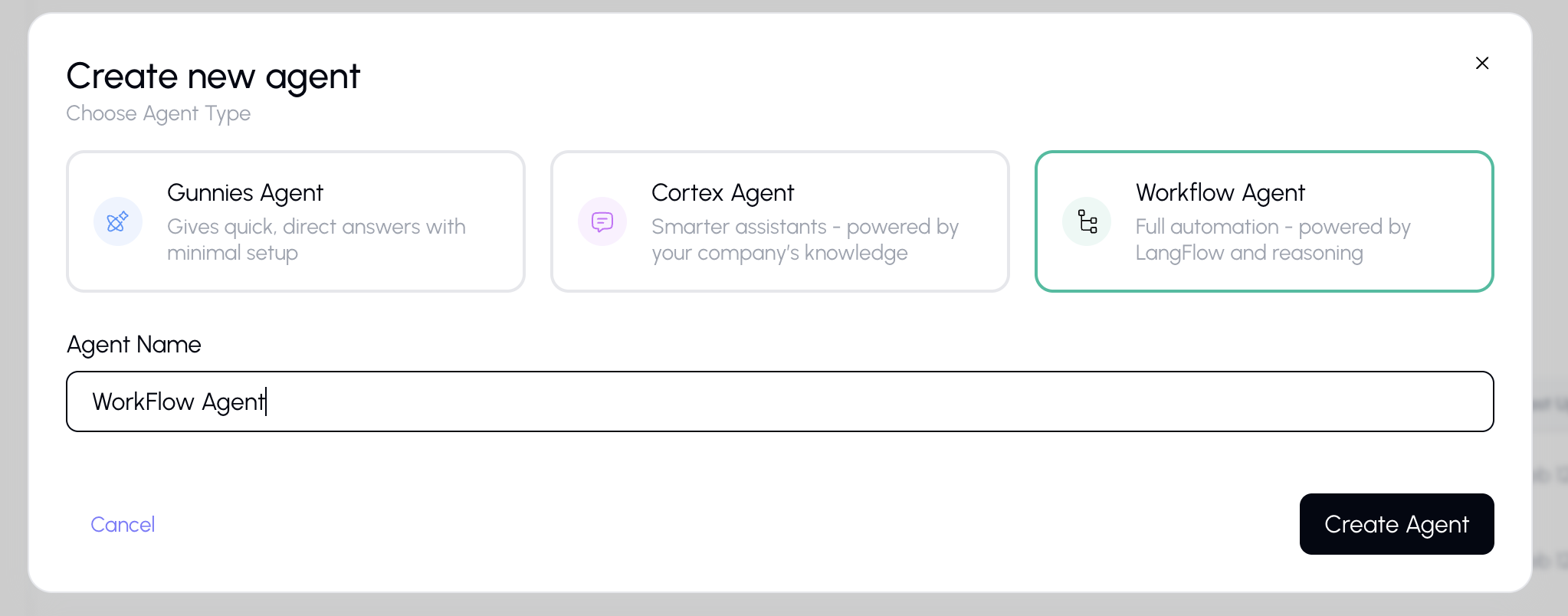
- Select "Workflow" from the agent type dialog.
- Enter a name for your agent.
- The Workflow Agent editor will open.
Step 2: Build Your Workflow
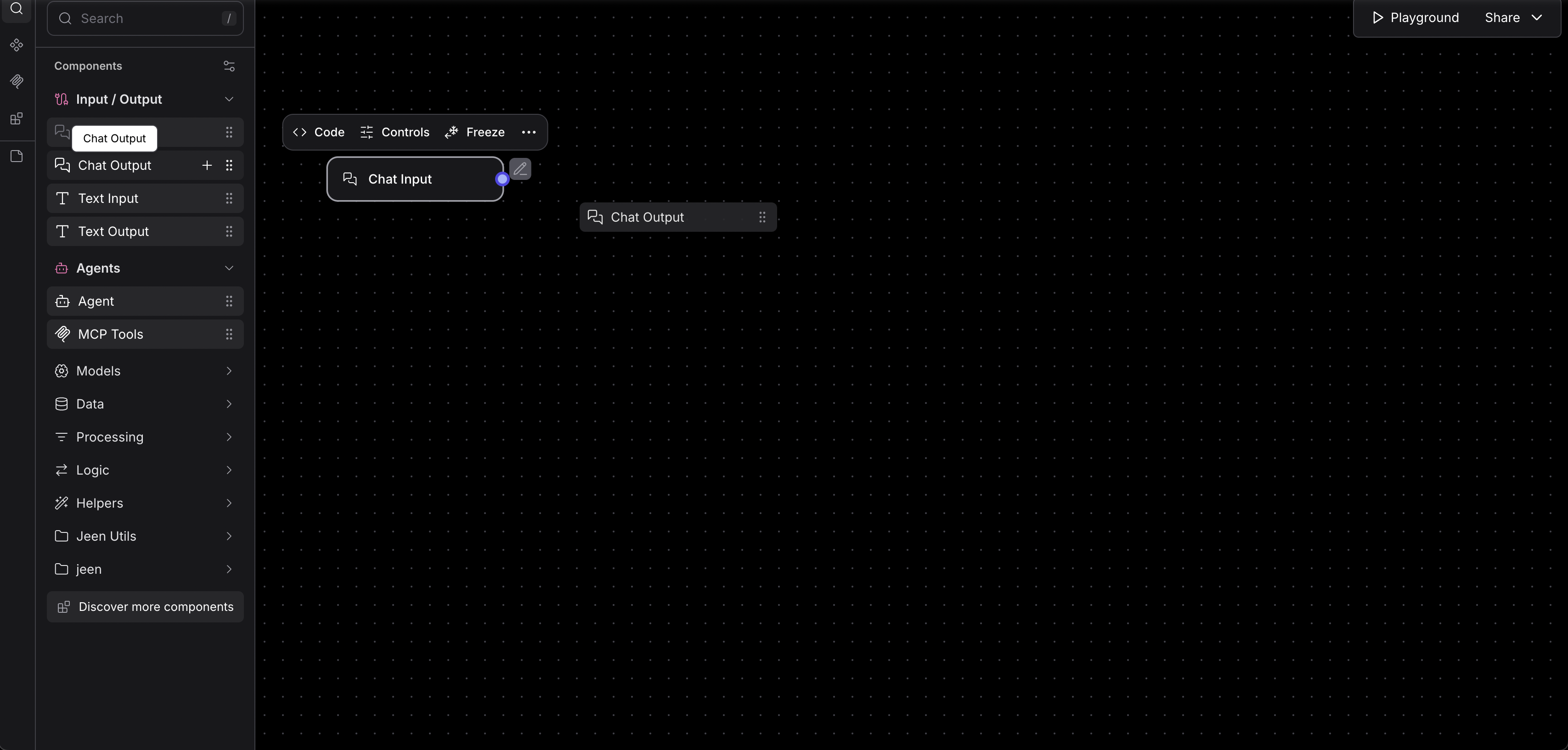
The Workflow Agent editor provides a visual canvas where you can:
- Drag and drop components from the sidebar
- Connect nodes by drawing lines between them
- Configure each node by clicking on it and adjusting its settings
- Test the workflow to make sure it works as expected
Step 3: Save and Use
Once your workflow is complete, save it. The workflow agent will be available just like any other agent — users can chat with it and it will follow the workflow you designed.
Key Concepts
| Concept | Description |
|---|---|
| Nodes | Individual steps in the workflow (e.g., "Send prompt to AI," "Search knowledge base," "Format output") |
| Edges | Connections between nodes that define the flow of data and execution |
| Inputs | Where the workflow receives data (typically from user messages) |
| Outputs | Where the workflow produces results (typically the response back to the user) |
Things to Know
- Workflow agents can be more powerful than simple agents but require more effort to set up.
- You can go back and edit the workflow at any time from the Agents page.
- Workflow agents work the same way as other agents in chat — users don't need to know how the workflow is built.
Tips
- Start simple — build a basic workflow first and add complexity as needed.
- If you don't need multi-step logic, consider using Gunnies or Cortex instead — they're simpler.